> ## Documentation Index
> Fetch the complete documentation index at: https://docs.brightdata.com/llms.txt
> Use this file to discover all available pages before exploring further.
# Create your first SERP API
> Get started with the Bright Data SERP API (31 languages) in 3 steps: create a zone, generate credentials and send your first Google search query.
**Start free, no credit card required**
Your free tier includes **5,000 credits every month** for the SERP API. Create your SERP API and start sending requests immediately, no payment method needed. [Learn more about the free tier](/general/account/billing-and-pricing/free-tier).
Sign in to Bright Data} />
Navigate to Create an API page}>
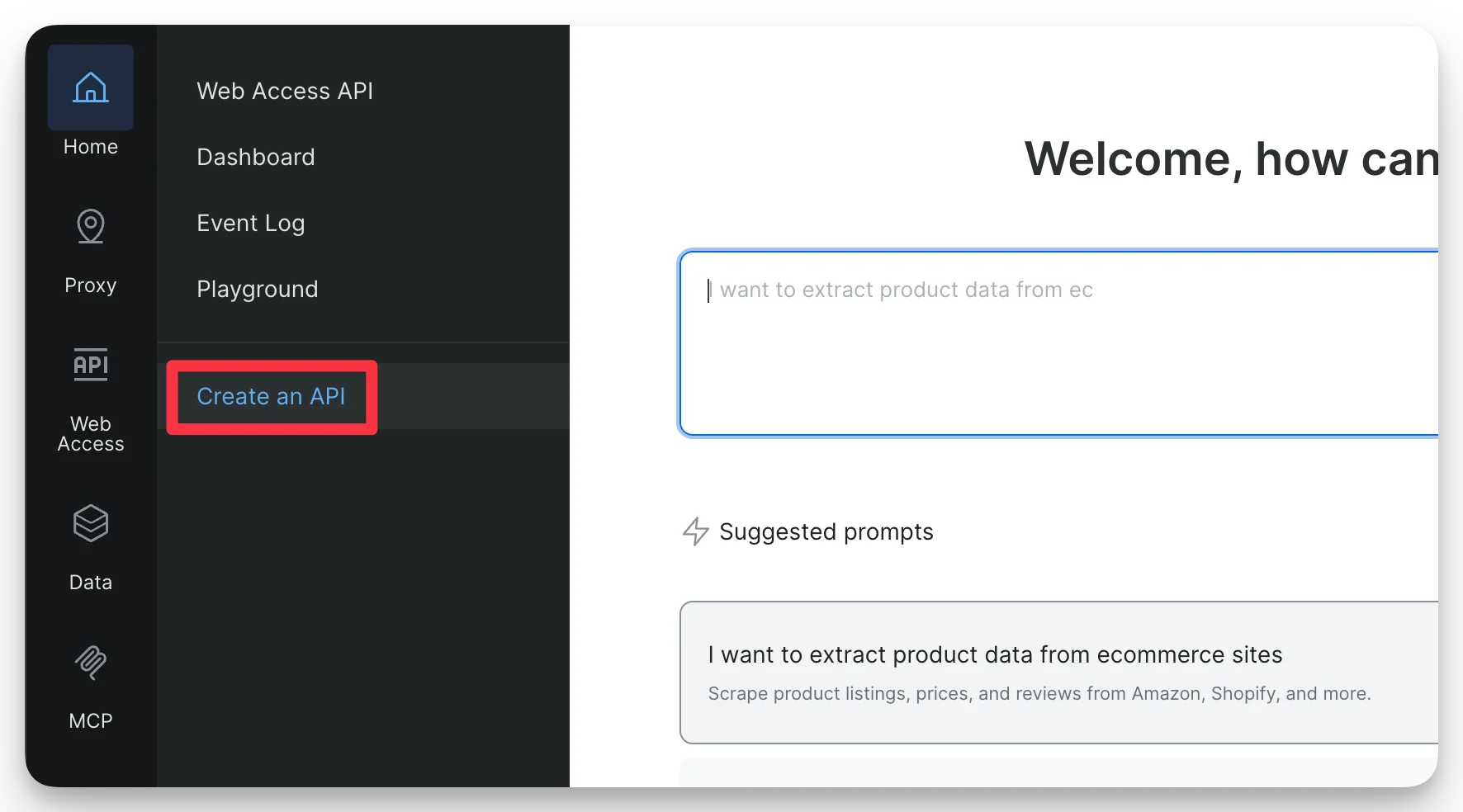
Navigate to **Create an API** under the **Web Access API** section in the left menu.
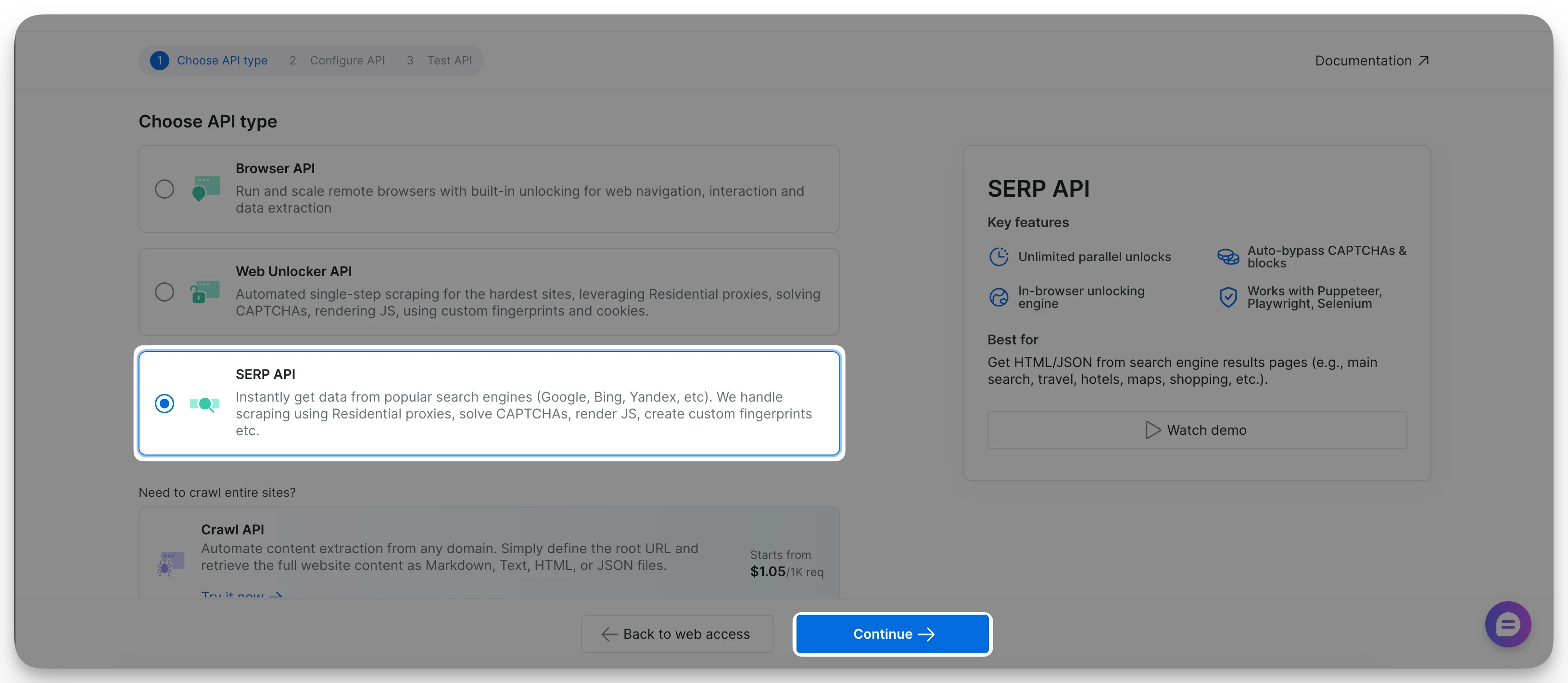
 Select **SERP API** and click **Continue**.
 Enter a meaningful name. Optionally, add a short description.
**The SERP API name cannot be changed once created.**
All other settings can be modified later. For details, see [Configure your API](/scraping-automation/serp-api/configuration).
Enter a meaningful name. Optionally, add a short description.
**The SERP API name cannot be changed once created.**
All other settings can be modified later. For details, see [Configure your API](/scraping-automation/serp-api/configuration).
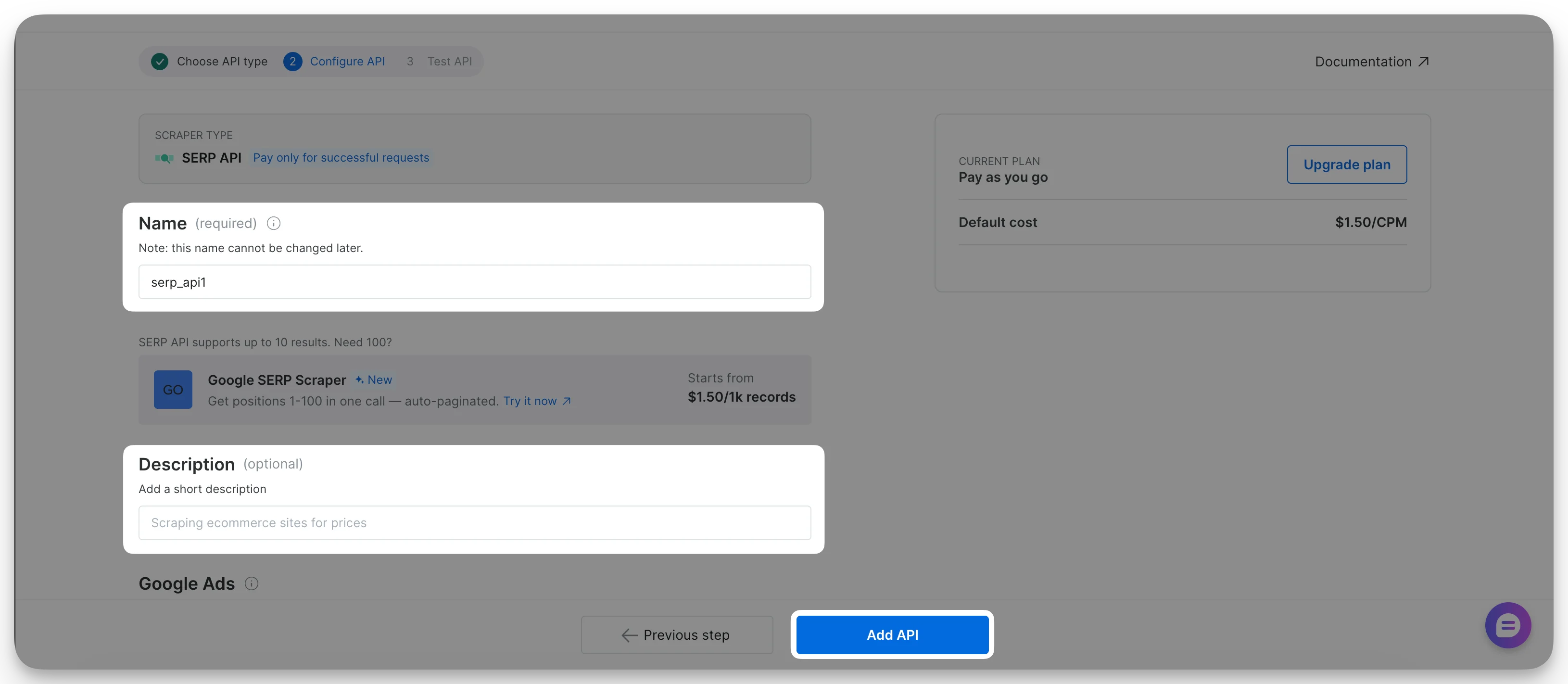 Click **Add API**. Your SERP API is now ready to use.